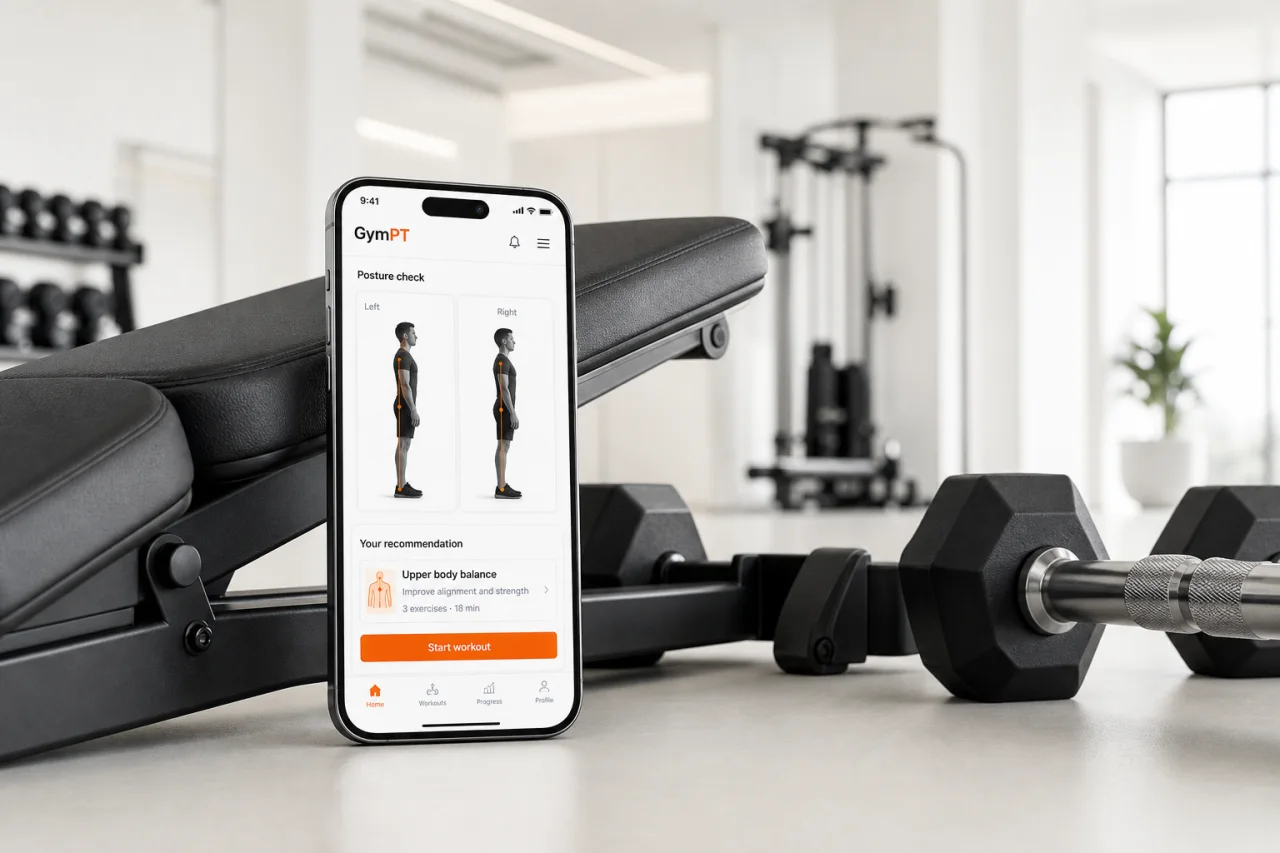
body posture analysis app
Body Posture Analysis App: How to Turn a Snapshot Into Smarter Training
A body posture analysis app should do more than point out what looks off. Here’s how to use posture insights to choose better exercises, train smarter, and track progress without treating the result like a diagnosis.
Body posture analysis app: what it should actually help you do
A body posture analysis app can be useful, but only if you use it the right way. The goal is not to label your body or guess a diagnosis. The goal is to spot movement patterns, compare sides, and make better training choices from there.
That matters because posture and movement assessments are commonly used to understand function and muscular imbalances before programming exercise, and corrective exercise frameworks connect those findings to exercise selection rather than to quick fixes. Research also suggests exercise can influence postural alignment, but results depend on the person, the program, and the problem being addressed.
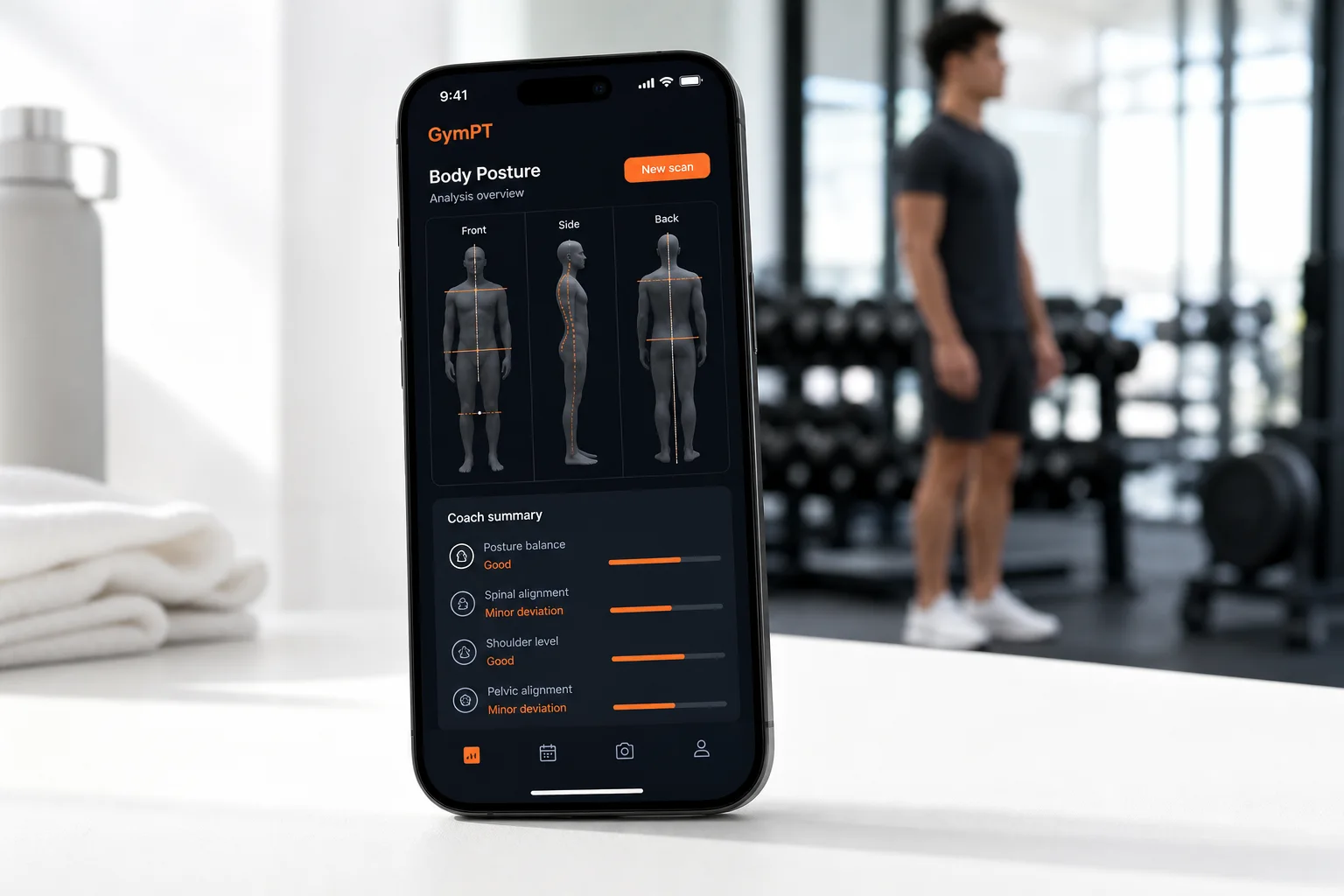
What a good posture analysis should show
A useful posture analysis app should help you notice patterns such as:
- Shoulders that sit unevenly or round forward
- Head position that drifts forward during standing or squatting
- Pelvis or trunk shifts from one side to the other
- Limited overhead reach, hip hinge, or squat depth
- Left-right differences in balance, control, or range of motion
These are coaching clues, not medical conclusions. A strong app turns those clues into training decisions you can act on.
How to use posture insights to choose better workouts
Think of posture analysis as the first step in program design. The most useful response is usually not to “fix posture” with one stretch. It is to match the workout to the pattern you see.
1. If you see rounded shoulders, train pulling and upper-back control
Use more rows, face pulls, rear-delt work, and controlled scapular movement. Keep pressing in the plan, but balance it with enough pulling volume and clean technique.
2. If you see a forward head or rib flare, improve trunk control
Choose exercises that teach bracing, breathing, and stacked positions, such as dead bugs, planks, carries, and slow tempo lifts.
3. If one side shifts more than the other, add unilateral work
Split squats, single-leg RDLs, single-arm presses, and one-arm rows can help you train symmetry without forcing perfect symmetry in every rep.
4. If a movement looks limited, reduce load and improve range first
When a squat, hinge, or overhead reach looks restricted, the smartest move is often to lower the load, slow the tempo, and build control before chasing heavier numbers.
This is the same logic used in corrective exercise models: assess the pattern, identify what is overactive or underactive, and then choose exercises that support the next step in the chain.
What to look for in a posture analysis app
Not every app is equally useful. A better posture assessment app should give you:
- Clear visual feedback so you can compare positions over time
- Training guidance that connects findings to exercise choices
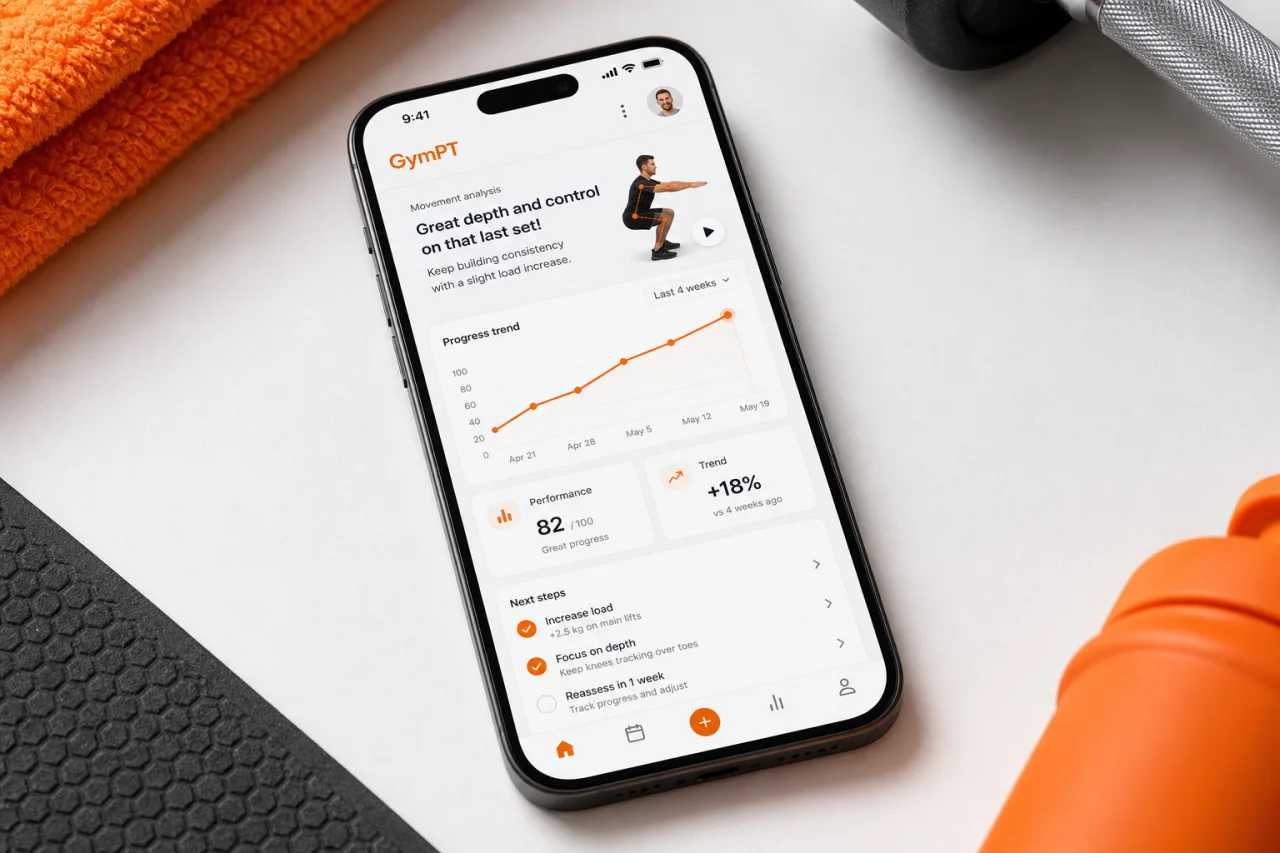
- Progress tracking so you can see whether your movement is changing
- Equipment-aware planning so recommendations fit your gym or home setup
- Coach-style explanations that are practical, not dramatic
That last point matters. If the app only says something looks “bad,” it is not helping you train. If it explains what to do next, it becomes useful.
How GymPT fits into the process
GymPT is built to help you turn body analysis into action. Instead of stopping at a snapshot, it helps you connect posture insights to personalized workout plans, exercise selection, workout tracking, and progress insights.
For example, if your analysis suggests you need more upper-back work, GymPT can help you build a plan around rows, face pulls, and pulling volume. If your squat pattern looks uneven, it can shift you toward unilateral lower-body work and simpler progressions. If you train at home, it can adapt the plan to the equipment you actually have.
That is the real value of a body posture analysis app: not diagnosis, but better decisions.
A simple 3-step way to use posture data this week
- Capture a baseline. Take a front, side, and back view in a relaxed stance and during one or two basic movements.
- Pick one pattern to improve. Choose the clearest issue first, such as shoulder position, trunk control, or left-right shift.
- Adjust your plan for 2 to 4 weeks. Add the right exercises, reduce unnecessary complexity, and track whether movement quality improves.
If you want the process to stay simple, use the analysis to guide one training decision at a time. That keeps you focused and makes progress easier to measure.
When posture analysis is not enough
A posture app is a coaching tool, not a medical device. If you have pain, numbness, dizziness, or a recent injury, you should get evaluated by a qualified health professional. For training purposes, though, posture analysis can still be a smart way to improve exercise selection and reduce guesswork.
The bottom line
The best body posture analysis app does not try to diagnose you. It helps you understand how you move, choose better exercises, and track whether your training is actually changing something useful. That is where GymPT can add real value: clear feedback, personalized programming, and a coach-like way to turn posture insights into better workouts.
Related reading: if you are building a smarter plan, you may also like our guides on home gym workout plan, core workout for beginners, kettlebell exercises for beginners, and home workout with cable machine.