fitness program builder app
Fitness Program Builder App: 9 Features That Make a Plan Usable
A fitness program builder app should do more than generate random exercises. Learn how to compare apps by personalization, equipment matching, progression, coaching, and progress tracking—with GymPT as a practical example.
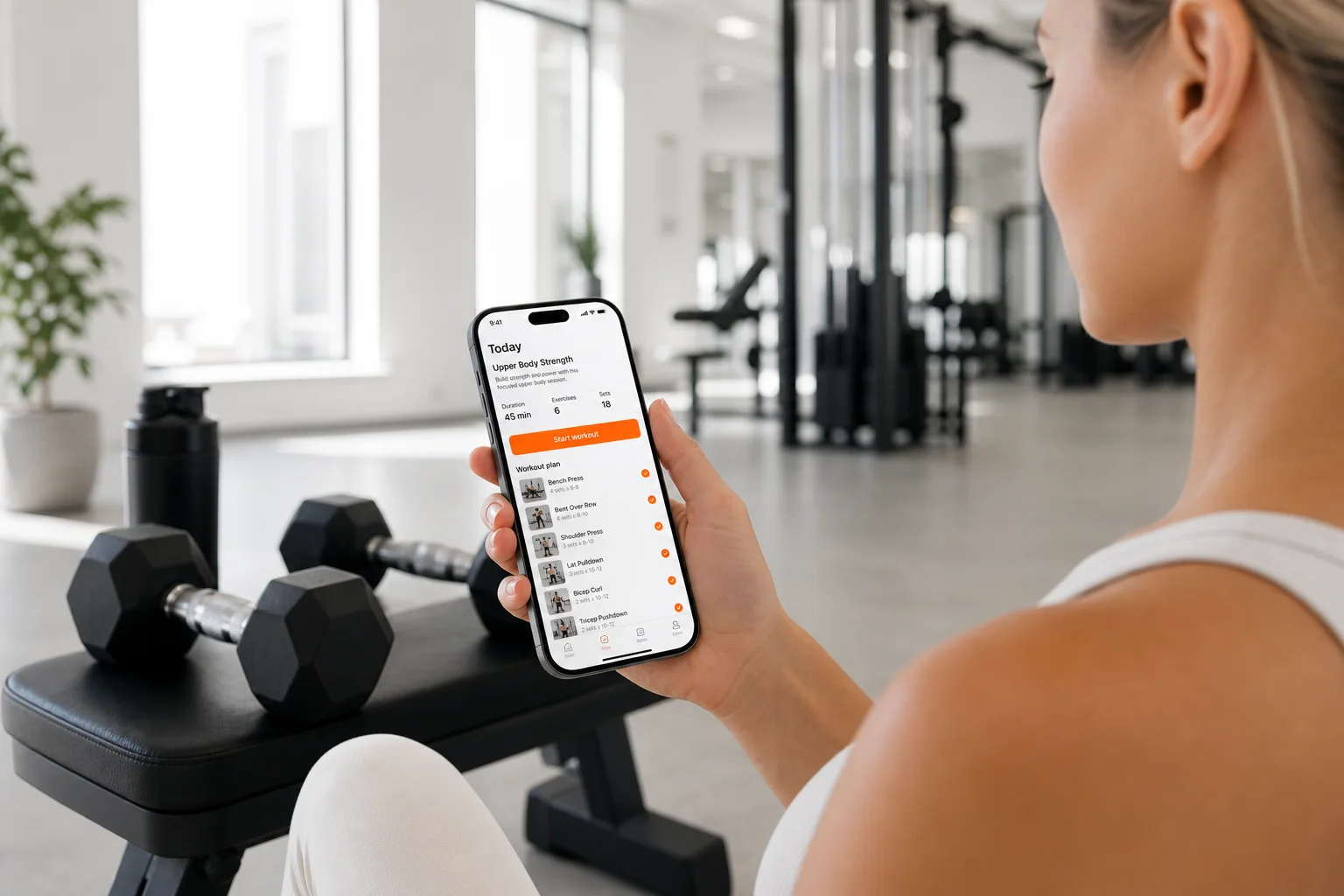
Finding a fitness program builder app is easy. Finding one that creates a plan you can actually follow is harder.
Many apps can produce a list of exercises in seconds. The better options go further: they account for your goal, schedule, experience, available equipment, preferred training style, and performance over time. That difference matters because a workout plan is only useful when it fits your real life well enough to repeat.
Research on physical-activity apps consistently highlights personalization, goal setting, self-monitoring, feedback, and clear instructions as important features to evaluate. In other words, the best app is not necessarily the one with the most exercises or the flashiest interface. It is the one that helps you make a realistic plan, complete it, and learn from your results.
What should a fitness program builder app actually do?
A useful app should reduce the guesswork between deciding to train and knowing exactly what to do today. It should also make adjustments easier when your schedule, energy, equipment, or progress changes.
Use the following checklist when comparing a workout planning app.
1. It should start with your goal
Your goal influences exercise selection, training frequency, volume, rest periods, and progression. Building muscle, improving general strength, increasing fitness, and training at home may all require different approaches.
Look for an app that asks meaningful questions before generating a plan, such as:
- What is your main training goal?
- How many days can you train consistently?
- What is your current experience level?
- Where do you train?
- Which equipment can you use?
- Are there exercises or movements you prefer to avoid?
A plan built around your answers is more useful than a generic routine presented as “personalized.”
2. It should match the equipment you actually have
Equipment matching is one of the most practical features in a fitness program builder app. A plan that requires a cable station, squat rack, or several machines is not helpful if you train at home with dumbbells or no equipment.
Before choosing an app, check whether it can create routines around specific equipment categories. Useful options may include bodyweight, dumbbells, barbells, resistance bands, machines, cables, or a mixed gym setup.
Good equipment matching should also provide substitutions. If a bench is occupied or a machine is unavailable, you should be able to switch to a comparable movement without rebuilding your entire routine.
For more on this topic, see how to evaluate a fitness app with an exercise library.
3. It should make progression understandable
Repeating the same workout forever is unlikely to be the best use of your training time. A useful app should help you understand how to progress, whether that means adding a small amount of weight, completing another repetition, improving control, or managing training volume.
Progression does not need to be complicated. The app should make the next step clear without forcing you to make aggressive jumps. Look for features such as:
- Suggested sets and repetitions
- Recommended rest periods
- Performance history for each exercise
- Simple ways to record weight and repetitions
- Adjustments based on completed workouts
This is especially important for beginners, who may otherwise change exercises randomly instead of building a consistent training pattern.
4. It should fit your schedule, not an idealized schedule
The perfect plan on paper is not always the best plan for your week. If you can reliably train three days, a five-day plan may create missed sessions and frustration.
Choose an app that lets you set training frequency and session length. A flexible plan might offer a full-body structure for limited weekly availability, while a more experienced user may prefer an upper-lower or split routine.
The key question is simple: can you complete the plan during a normal week, including busy days? Consistency usually matters more than selecting the most advanced split available.
5. It should explain exercises clearly
Exercise selection is only part of a good plan. You also need to know how to perform each movement. Look for demonstrations, setup instructions, technique cues, and guidance on common mistakes.
Clear instructions are particularly valuable when an app introduces unfamiliar exercises or equipment. They can help you understand the intended movement without making the workout feel like a research project.
A strong exercise library should be searchable, organized, and connected to your plan. You should not have to leave the workout screen repeatedly to figure out what an exercise means.
6. It should include coaching, not just a calendar
A calendar can tell you when to train. Coaching helps you decide what to do when the plan needs interpretation.
An AI fitness coach app can be useful for questions such as:
- How should I warm up for this session?
- What can I substitute for an unavailable exercise?
- How long should I rest between sets?
- What should I do if I miss a workout?
- How can I make this session shorter?
The quality of the coaching depends on whether it understands your current plan and recent training history. A generic chatbot that does not know what you completed may provide less useful guidance than a coach connected to your workout data.
7. It should make tracking quick enough to use
Tracking is valuable only when it is convenient. If recording one exercise takes several taps and multiple screens, you may stop doing it after a few workouts.
At minimum, a fitness program builder app should let you record the exercises you completed, sets, repetitions, load, and notes. Fast logging makes it easier to compare sessions and spot patterns.
Look for an interface that keeps the current workout visible and makes common actions simple. You should be able to mark a set complete, adjust a number, and move to the next exercise without losing your place.
For a deeper look at measurement, read what to track in a workout app with progress tracking.
8. It should show useful progress insights
Progress is more than a single number on the scale. Depending on your goal, useful indicators may include completed sessions, training consistency, personal records, total repetitions, exercise performance, or changes in body measurements.
Good progress insights help answer practical questions:
- Am I training as consistently as planned?
- Which exercises are improving?
- Have I been repeating the same loads for too long?
- Am I completing enough work for my current goal?
- Which weeks or sessions are most difficult to maintain?
These insights should support decision-making, not create pressure to chase constant increases. Training performance naturally varies with sleep, stress, schedule, and recovery.
9. It should adapt when your circumstances change
A plan created on day one should not remain fixed forever. Your availability may change, your equipment may be different at a new gym, or a movement may not feel suitable for your current session.
Look for an app that allows practical adjustments without starting from zero. Useful flexibility includes changing training days, swapping exercises, modifying session length, and updating your available equipment.
This is where GymPT can serve as a practical example. GymPT combines personalized workout planning with equipment-based training, AI coach chat, body analysis, workout tracking, and progress insights. The value is not simply generating a routine; it is connecting planning, execution, and review in one training workflow.
How to compare fitness program builder apps
When comparing two or three options, avoid judging them only by the number of exercises or the visual design. Test each app against the same realistic scenario.
- Enter your actual goal and training availability.
- Select the equipment you genuinely use.
- Review the first week of workouts.
- Check whether exercise instructions are clear.
- Log a sample workout and see how long it takes.
- Look for substitutions and schedule changes.
- Review what progress data the app provides after training.
If the app produces a complicated plan that you cannot imagine completing next week, it may not be the right fit—regardless of how advanced it appears.
Questions to ask before choosing an app
Does it personalize the plan or only let me choose a difficulty level?
Real personalization should consider more than beginner, intermediate, or advanced labels. Training goal, frequency, equipment, exercise preferences, and completed performance should all influence the experience.
Can I use it at home and in a gym?
If your training environment changes, equipment flexibility becomes important. Check whether you can switch between bodyweight, dumbbells, machines, cables, and other available options.
Will I understand why the plan changes?
Automatic adjustments are more helpful when they are understandable. The app should make it clear whether a change reflects your goal, schedule, equipment, or recent performance.
Can I keep using it after the first month?
Choose a system that supports a repeatable routine rather than a short burst of motivation. A simple plan with fast tracking and useful feedback may be more valuable than a demanding plan you abandon.
Final takeaway
The best fitness program builder app is not the one that promises the most dramatic results. It is the one that turns your goal, schedule, equipment, and performance into a practical plan you can follow repeatedly.
Prioritize personalization, equipment matching, clear exercise guidance, understandable progression, fast tracking, useful insights, and flexible coaching. GymPT brings these pieces together in one app, helping you move from planning a workout to completing it and learning from your progress.
If you are still deciding what type of structure suits you, compare your options with this guide to choosing an automatic workout plan app. You can also explore a practical workout generator for beginners if you are starting from scratch.