fitness app with exercise library
Fitness App With Exercise Library: What to Look For Before You Choose One
A large exercise library is useful only when it helps you choose the right movement, perform it well, and progress consistently. Here is what to look for in a fitness app with an exercise library.
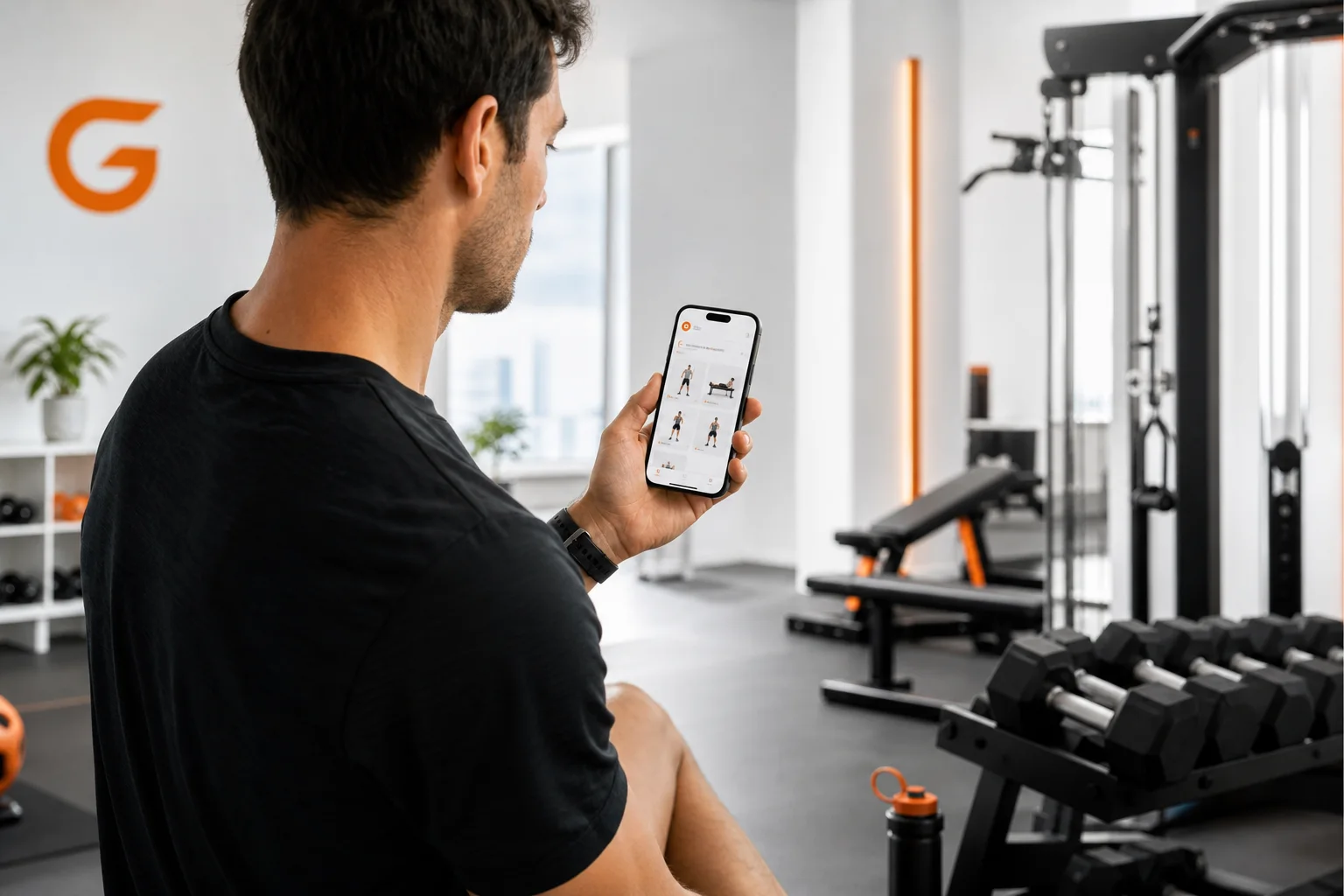
Choosing a fitness app with exercise library can seem simple: find the app with the most exercises, download it, and start training. In practice, a large database is only valuable when it helps you make better decisions in the gym.
The best exercise library should help you understand how to perform a movement, select an appropriate variation, work around the equipment you have, and fit the exercise into a balanced plan. It should also make it easier to track what you did and adjust your training as you become stronger.
That is why the right question is not “How many exercises does this app have?” It is “Can this app help me choose, perform, replace, and progress exercises consistently?”
What makes a fitness app with exercise library useful?
An exercise library should do more than display a list of movement names. It should reduce uncertainty before and during a workout. For each exercise, look for clear instructions covering the starting position, movement path, breathing, range of motion, and the main muscles involved.
A useful library should also organize exercises in ways that match how people actually train. Helpful filters may include:
- Equipment: bodyweight, dumbbells, barbells, cables, machines, resistance bands, or kettlebells.
- Target area: chest, back, shoulders, arms, legs, glutes, core, or full body.
- Movement pattern: squat, hinge, push, pull, carry, lunge, or rotation.
- Difficulty: beginner, intermediate, or advanced.
- Training goal: strength, muscle gain, general fitness, conditioning, or mobility.
These filters matter because the “best” exercise depends on your goal, skill level, available equipment, and comfort with the movement. A barbell back squat may be effective for one person, while a goblet squat, leg press, or split squat may be a better starting point for another.
Look for form cues, not just exercise demonstrations
Videos and illustrations can help, but the written coaching around an exercise is equally important. A quality exercise library app should make the most important technique points easy to remember.
Example: the goblet squat
Useful form cues include:
- Hold the weight close to your chest.
- Keep your feet stable and allow your knees to track in the same general direction as your toes.
- Brace your midsection before descending.
- Lower under control while keeping your chest comfortably lifted.
- Drive through the floor to stand without letting the weight drift away from your body.
Common mistakes include allowing the heels to lift, collapsing the knees inward, rushing the descent, or choosing a weight that makes the final repetitions unstable. If the movement feels too difficult, an app should make it easy to reduce the load, shorten the range temporarily, or choose a simpler variation.
Example: the dumbbell row
For a one-arm dumbbell row, focus on creating a stable position first. Support yourself with one hand if needed, keep your spine long, and pull the weight toward your hip rather than shrugging it toward your ear. Lower the dumbbell slowly instead of dropping it.
Frequent mistakes include twisting the torso to lift more weight, rounding the back, using momentum, and stopping the lowering phase too early. A chest-supported row or cable row can be a practical alternative when maintaining a stable position is difficult.
The goal of these cues is not to make every repetition look identical. It is to give you enough structure to train with control and recognize when an exercise needs to be modified.
Exercise alternatives are a major advantage
Even a well-designed program will occasionally need adjustments. The gym may be crowded, a particular machine may be unavailable, or an exercise may not feel comfortable for your current ability level. A useful fitness app should offer alternatives that preserve the purpose of the movement.
When choosing an alternative, match the exercise by movement pattern and training objective rather than by appearance alone.
- Barbell bench press: dumbbell bench press, machine chest press, or push-ups.
- Barbell squat: goblet squat, leg press, split squat, or bodyweight squat.
- Pull-up: assisted pull-up, lat pulldown, or band-assisted pull-up.
- Romanian deadlift: dumbbell Romanian deadlift, cable pull-through, or hip hinge drill.
- Overhead press: seated dumbbell press, machine shoulder press, or landmine press.
These are not always identical exercises. They simply offer ways to train a similar pattern or muscle group with different stability, loading, or equipment demands. The best choice is the one you can perform with control and progress over time.
GymPT is designed to make this process more practical by considering your goal, available equipment, and training preferences when creating workouts. Instead of searching through hundreds of movements without context, you can use the library as part of a personalized plan.
Equipment filters should reflect real-life training
Many people do not train in a fully equipped gym every session. You may have dumbbells at home, access to machines only on certain days, or a limited amount of space. An app that ignores these constraints can create workouts that look good on paper but are difficult to complete.
Before choosing an app, check whether it can adapt to the equipment you actually use. Useful options include:
- Training with no equipment or minimal space.
- Building workouts around dumbbells, cables, bands, or machines.
- Replacing unavailable exercises without rebuilding the entire session.
- Adjusting exercise difficulty as your strength changes.
- Saving preferred movements for future workouts.
This equipment-based approach is especially useful for beginners. It removes the pressure to learn every exercise at once and lets you focus on a small set of repeatable movements. If you want to compare planning options, see this guide to choosing an automatic workout plan app.
Personalization is more important than a giant exercise database
A library can contain thousands of exercises and still produce poor workouts if it does not account for your schedule, training history, goal, and recovery. A commercial fitness app should connect its library to a plan that answers practical questions:
- Which exercises should I perform today?
- How many sets and repetitions should I use?
- How hard should the set feel?
- What should I do if the equipment is busy?
- When should I increase the load or repetitions?
Personalization does not mean every workout must be completely different. In fact, repeating key movements often makes progress easier to measure. A smart app can keep useful exercises in your routine while changing variations when needed.
For beginners, an organized plan can also prevent a common problem: collecting exercises without developing a routine. If you are new to structured training, the beginner workout generator guide explains how a simple plan can turn exercise selection into a repeatable weekly habit.
Tracking turns exercise selection into progress
The exercise library helps you decide what to do. Tracking helps you learn whether your training is working.
At a minimum, a workout app should let you record the exercise, sets, repetitions, load, and completion date. More advanced features may help you review consistency, volume, personal bests, and trends across several weeks.
Tracking is useful because progress is not always visible from day to day. You may notice that you can perform the same exercise with better control, complete more repetitions at the same weight, or recover faster between sets. These are meaningful signals even when your body weight or appearance has not changed.
A workout app with progress tracking can make these patterns easier to review. The aim is not to chase a new record every session. It is to create a clear feedback loop between training effort, performance, and future programming.
How to use an exercise library without overcomplicating your workouts
More choice can become distracting. Use the library strategically instead of changing exercises constantly.
- Choose a small movement menu. Select one or two exercises for each major movement pattern or target area.
- Practice the same movements for several weeks. Familiarity makes it easier to improve technique and compare performance.
- Use alternatives when there is a clear reason. Change an exercise because of equipment, difficulty, comfort, or training balance—not simply because a new movement looks interesting.
- Record your work. Note the load, repetitions, and how controlled the final repetitions felt.
- Review your plan regularly. Adjust volume, exercise difficulty, or weekly frequency as your schedule and ability change.
If your main objective is strength, you may want a more structured progression approach. This strength training program guide covers how to increase difficulty while keeping progress measurable.
Questions to ask before choosing a fitness app
- Does every exercise include clear form instructions?
- Can I filter movements by equipment and difficulty?
- Does the app provide realistic alternatives?
- Can it build workouts around my goal and schedule?
- Can I track sets, repetitions, loads, and completed sessions?
- Does it help me understand how my training is progressing?
- Can I ask for guidance when I am unsure about an exercise?
The strongest option is usually not the app with the longest list of movements. It is the one that helps you make fewer random decisions and more useful training decisions.
Final takeaway
A fitness app with exercise library should function like a practical training resource, not a digital encyclopedia. Look for clear form cues, sensible alternatives, equipment-based filters, personalized programming, and reliable workout tracking.
GymPT brings these elements together with personalized workout plans, AI coach chat, body analysis, equipment-based training, workout tracking, and progress insights. That makes the exercise library useful at every stage: choosing a movement, learning the basics, adapting the session, and building consistency over time.